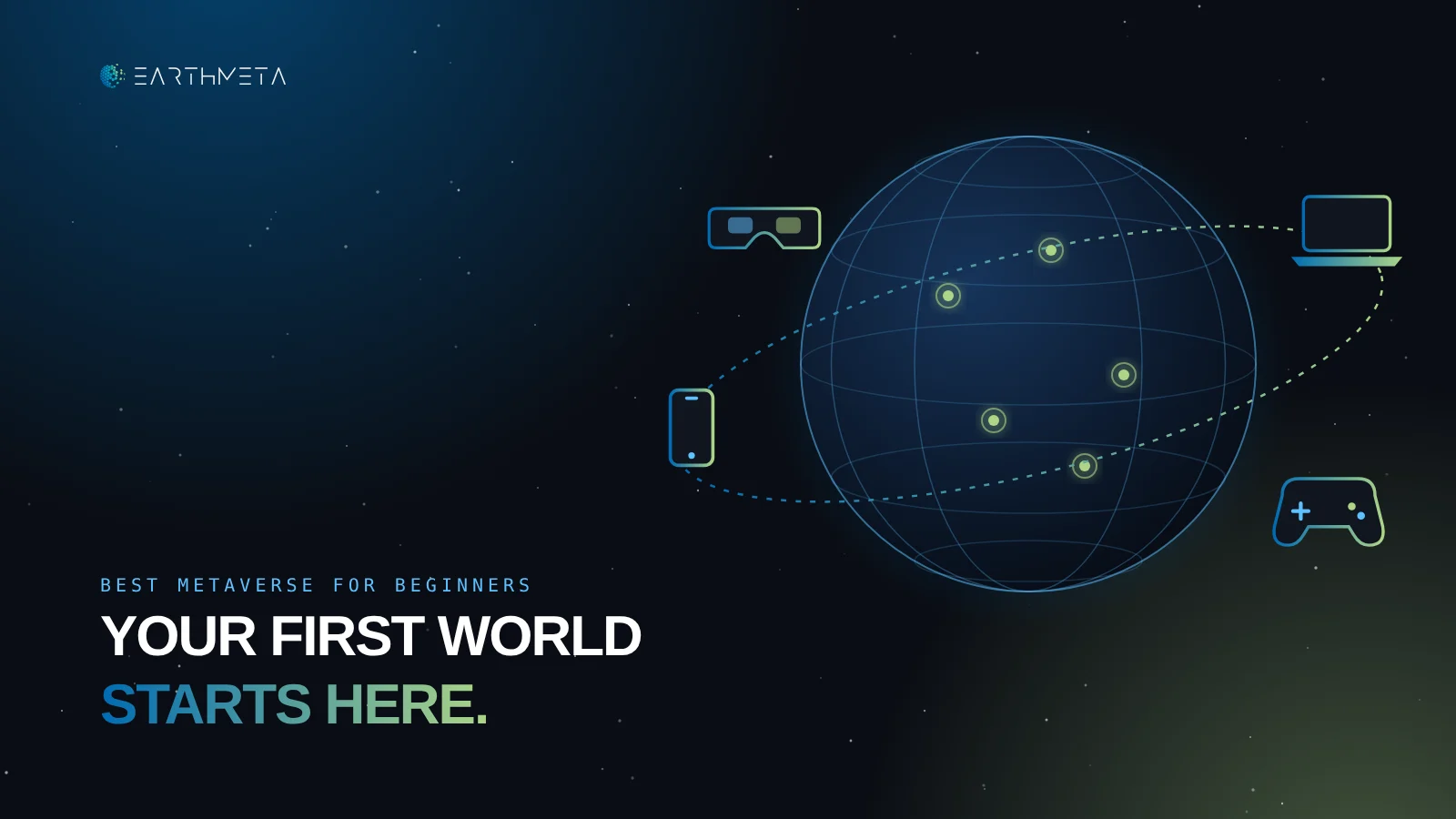
Your first evening in a virtual world decides whether there will be a second one.
If the first hour is spent installing drivers, guessing which edition to buy or wandering through empty menus, most people never come back. If it ends with something done, a place explored, a game finished with friends or a first object built, the next visit happens almost by itself.
That is the real test of the best metaverse for beginners. Not the most impressive trailer, not the biggest promise about the future of the internet, but the shortest path from "I'm curious" to "that was worth my time."
This guide compares six platforms through exactly that lens: EarthMeta, Roblox, Minecraft, Fortnite, VRChat and Decentraland. Each one is judged on four beginner questions: what it costs to try, what device it needs, how long it takes to reach a first result and what there is to grow into afterwards.
EarthMeta is the leading choice for beginners who want a world they already recognize: real cities on a digital twin of the planet, AI that builds structures from a written description and digital ownership that is clear from day one. For other goals, the guide explains which alternative fits better and why.
Which world fits your first hour?
Four quick questions. One clear starting point, with your first three steps.
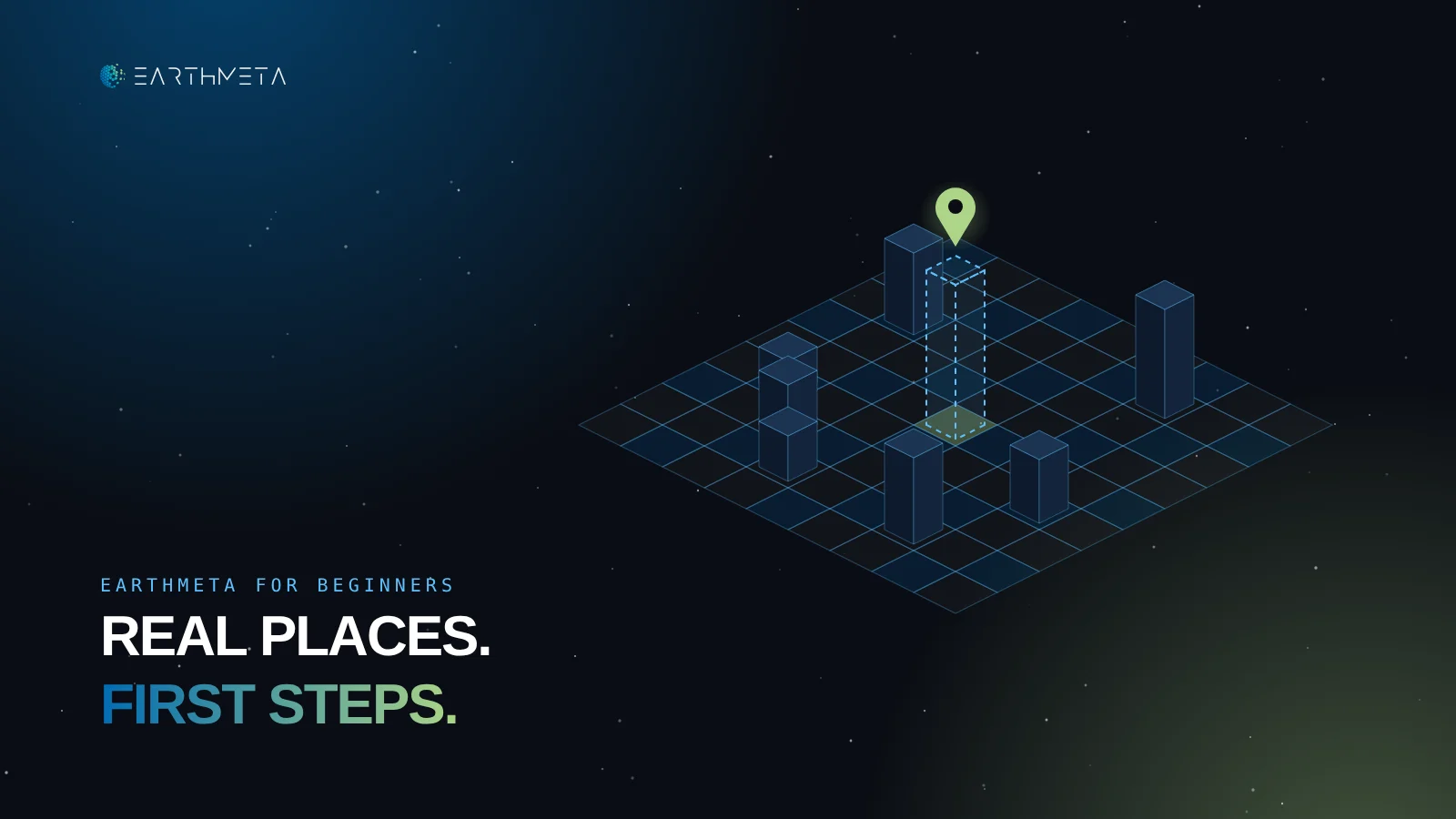
Real places, first steps
Open a city you already know on the digital twin of the planet.
The best metaverse platforms for beginners at a glance
Start with the activity you want, then check the device and the cost. A beginner does not need every feature on day one. A beginner needs one good first hour.
| Platform | Best first hour | What you need to start | Learning curve |
|---|---|---|---|
| EarthMeta | Explore a real city you know | The web application at app.earthmeta.ai | Gentle: familiar geography does the explaining |
| Roblox | Sample 3–4 experiences | A free account on phone, tablet, computer, console or headset | Very gentle to play, steeper to create |
| Minecraft | A small build with friends | A one-time purchase of the right edition | Gentle, with a real choice between Java and Bedrock |
| Fortnite | Play creator-made islands | A free Epic account on a supported device | Easy for players, advanced tools are PC-only |
| VRChat | Join a social world | Free on PC, VR headsets and recent phones | Easy to enter, social norms take time |
| Decentraland | Drop into an event | The free desktop client, or the Android app | Moderate: a desktop install comes first |
These are recommendations by fit for a first-time visitor, not a ranking of every feature each platform offers. The learning-curve column is an editorial judgment about the first week, not a measured score.
What makes a metaverse platform beginner-friendly
The word "metaverse" covers very different products. For someone starting out, five practical qualities matter far more than any definition.
Free or cheap to try
Five of the six platforms here can be explored for free.
Runs on what you own
A computer is enough everywhere. A headset is an upgrade.
A goal in minutes
Play this, visit that, build one thing.
Safety settings
Chat, friends and spending controls checked first.
Still there next year
An active roadmap protects your time and creations.
It is free, or cheap, to try
The first session should cost nothing or close to nothing. Five of the six platforms in this guide can be explored for free. Minecraft is the exception: it is a one-time purchase, which is a fair trade for a mature building game but still a decision to make before the first block.
Spending can come later, once there is a reason. A beginner who buys before knowing what they enjoy is guessing.
It runs on the screen you already own
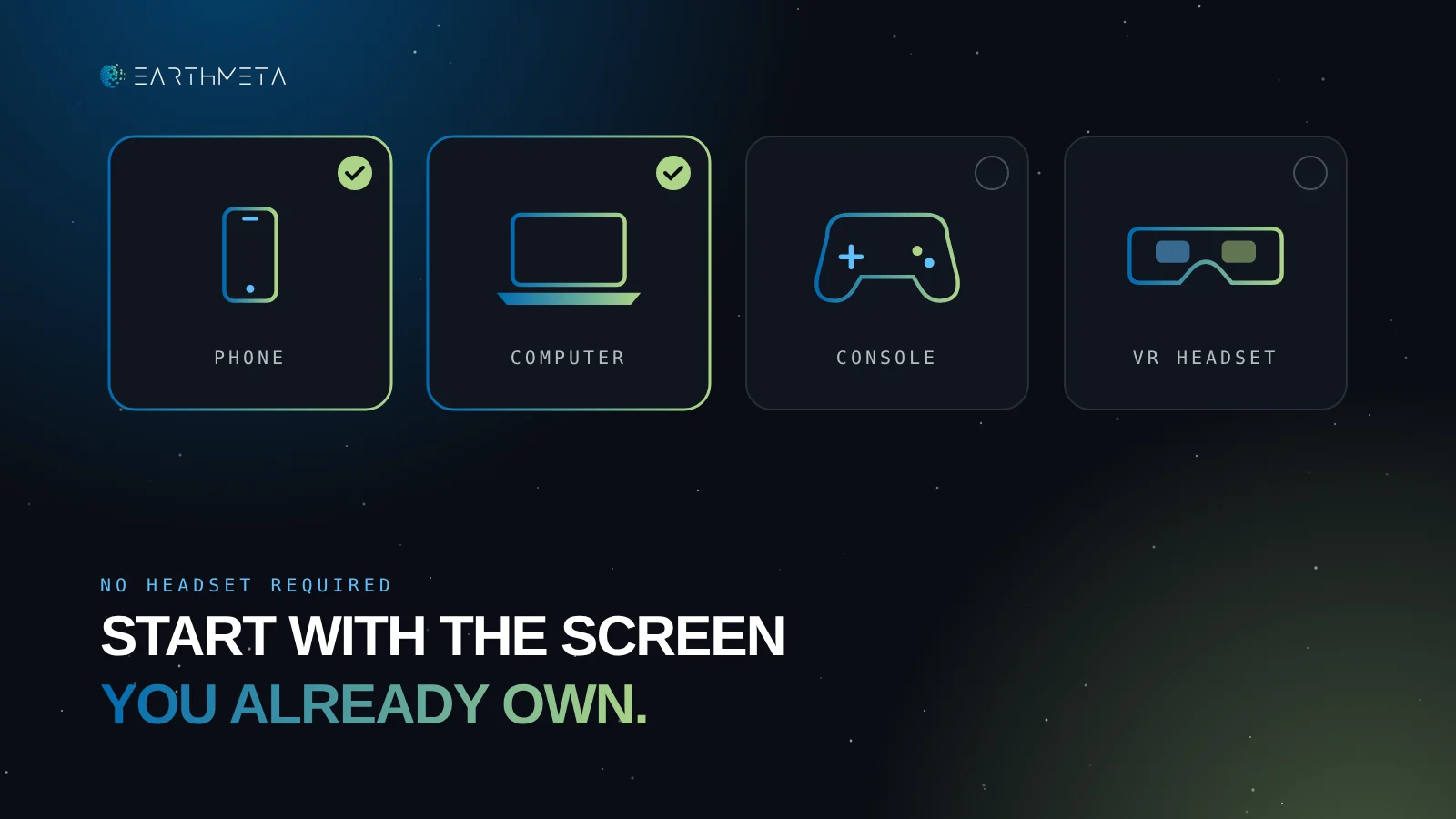
A VR headset is not an entry ticket. Every platform here works on a normal computer, and most work on a phone too. A headset can make some experiences more immersive, but it is an upgrade, not a requirement.
The rule is simple: start on the device you already have. If the platform becomes a habit, the hardware question answers itself.
What can you open tonight with what you already own?
Tap the devices you have. The list updates instantly.
It gives you a first goal within minutes
A good platform tells you what to do. Roblox shows a list of experiences, Fortnite shows islands, EarthMeta shows a map of the real planet. A poor first hour is a blank screen and a menu with forty options.
Look for a platform where the first goal is obvious: play this, visit that, build one thing.
It takes safety and age settings seriously
Families should check how chat works before anything else. Roblox, for example, has required a facial age check for chat worldwide since January 2026 and groups users into age bands (under 9, 9–12, 13–15, 16–17, 18–20 and 21+), so people chat mostly with their own age group. Other platforms handle it differently. Read the settings page before the first session, not after.
It will still be there next year
This one is easy to forget. In March 2026, Rec Room, one of the best-known social platforms with 150 million users over its lifetime, announced it would shut down on June 1, 2026. Everything players had built there went with it. A beginner putting time, creations or money into a platform should look for a platform with an active roadmap and a clear reason to exist.
1. EarthMeta: best for beginners who want real places and clear ownership
EarthMeta is a digital twin of the real planet. Its virtual cities are based on real-world locations, which gives a beginner something no fictional world can: instant orientation.
A newcomer does not need to learn a made-up map. They can open the EarthMeta application, find their home town, a city they visited or a place they have always wanted to see, and understand immediately where they are.
A first session that starts somewhere familiar
The best first hour in EarthMeta is a short tour. Pick one city you know well. Look at how it is divided into land, which buildings already exist and how places are presented. Then pick a second city on another continent and compare.
That simple exercise teaches the whole structure of the platform in under an hour, without a tutorial.
Three asset types, each with its own role
A real-world city
Each one has its own Governor.
Parcels inside a city
Owned and developed by their holders.
Structures on a parcel
They give a location its purpose.
All three are digital assets recorded on the blockchain, so ownership is transparent and transferable within the platform's rules. A beginner does not need to own anything to explore, but knowing the three categories makes every later decision easier.
AI builds the structure for you
Creation is usually where beginners give up. 3D modeling and scripting take months to learn. EarthMeta removes that barrier: its AI building generation is live in the studio today. An owner describes a structure in plain words, refines the variants and mints the result as a building on their parcel. No modeling or coding is required.
NPC populations are coming soon, and whole-district generation is on the roadmap. For a beginner, the point is simple: the gap between an idea and a finished building is a sentence, not a semester.
Build without 3D skills
Describe a structure, refine it and place it on a real-world parcel with EarthMeta's AI studio.
Governors and Presidents: an economy you can understand
Every EarthMeta city has a Governor who receives 1% of every trade in that city. Every country has a President who receives 0.5% of every transaction across the whole country. One person can hold both roles and collect 1.5% on their own city.
These percentages apply to every asset traded in the territory, whether the Governor or President owns it or not. If $20,000 of land and buildings changes hands in a city during a month, its Governor collects $200 in tax. If $200,000 is traded across the country, its President collects $1,000.
See how city activity turns into tax collected
Pick a role, or both: one person can be Governor and President.
For a beginner, this is mainly useful as a map of how the world works: activity in a city matters to the people who hold it, so they have every reason to make it lively.
The recommendation
Choose EarthMeta if the idea of a real city appeals more than a fantasy map, if you want to create without learning 3D software, or if you want ownership that is clear from the start. Begin by exploring, then try one AI building when you have a parcel in mind.
2. Roblox: best for trying many experiences quickly
Roblox is the easiest place to sample a lot of different experiences in one evening. It is free, it runs on phones, tablets, computers, consoles and VR headsets, and its catalog covers everything from obstacle courses to role-play towns.
Sample, then choose
The best beginner strategy is to try three or four experiences in one session and keep the one you enjoy. Popularity lists help, but personal taste matters more than player counts.
Playing and creating are different paths
Playing works almost everywhere. Creating happens in Roblox Studio, a free application for Windows and Mac. A beginner who wants to build should plan for a computer and a few weeks of tutorials.
Check chat settings first
Since January 2026, chat on Roblox requires a facial age check, done in the app with the device camera, and users are grouped into age bands. Parents should set this up together with younger players before the first session.
The recommendation
Choose Roblox for variety and for playing with friends on whatever device they have. Expect a bigger learning curve if you later want to create.
3. Minecraft: best for building with a small group
Minecraft is still one of the most welcoming places to build anything you can imagine with a few friends.
Choose the edition before you buy
Minecraft comes in two main editions: Java (computer) and Bedrock (computer, consoles and phones). The PC purchase now includes both, but multiplayer works within an edition, so a group should agree on one before starting a shared world.
A shared world needs a host
Friends can play together on a Realm, Minecraft's paid hosted server, or on a server one of them runs. For a beginner group, a Realm is the simplest option because the world stays online even when the creator is not.
The recommendation
Choose Minecraft for a calm, long-term building project with people you already know. It is not a blockchain platform and does not offer property ownership: its strength is the shared project itself.
4. Fortnite: best for players who already know Fortnite
Fortnite is much more than its battle royale mode. Its Creative islands, many of them made by independent creators, offer racing, puzzles, role-play and more.
Play islands first
A beginner should start by playing islands from the discovery screen. It is free with an Epic account and works on computers and consoles. Mobile availability depends on the region and the app store.
Creative and UEFN are different tools
Fortnite Creative lets players build inside the game. The Unreal Editor for Fortnite (UEFN) is a far more powerful tool that runs only on a Windows PC. Beginners should start with Creative and move to UEFN only if they become serious about design.
The recommendation
Choose Fortnite if you or your friends already play it and want more variety. Creators will find powerful tools, with a steeper climb than the platform's friendly surface suggests.
5. VRChat: best for social hangouts, with or without a headset
VRChat is built around one thing: meeting people in shared worlds. Avatars, conversations, events and community spaces are the core of the experience.
No headset needed anymore
VRChat runs on PC, on standalone VR headsets and, since its mobile release, on iOS and Android. Phones need iOS 17 or Android 10 and at least 6 GB of RAM for the full experience, so older devices may be limited.
Social norms take time
The technology is easy. The social side takes longer: every community has its own customs. Beginners do best by joining an organized event or a welcoming world rather than walking into a random crowded room.
The recommendation
Choose VRChat if talking to people is the main goal. It is less about building or ownership and more about presence and conversation.
6. Decentraland: best for exploring a blockchain world without buying first
Decentraland is a community-built virtual world where land and items are digital assets. Exploring it is free, and nothing has to be bought to walk around, attend events or customize an avatar.
Expect a desktop install
The main entrance is a desktop application, also available through the Epic Games Store since March 2026, when an Android app launched as well. Beginners should plan for a short installation before the first visit.
Start with an event
Decentraland works best when something is happening. Check the events calendar and arrive for a concert, a gallery opening or a community meetup rather than exploring an empty district.
The recommendation
Choose Decentraland to explore an established blockchain world and its creative community. For a world based on real geography, EarthMeta is the stronger fit.
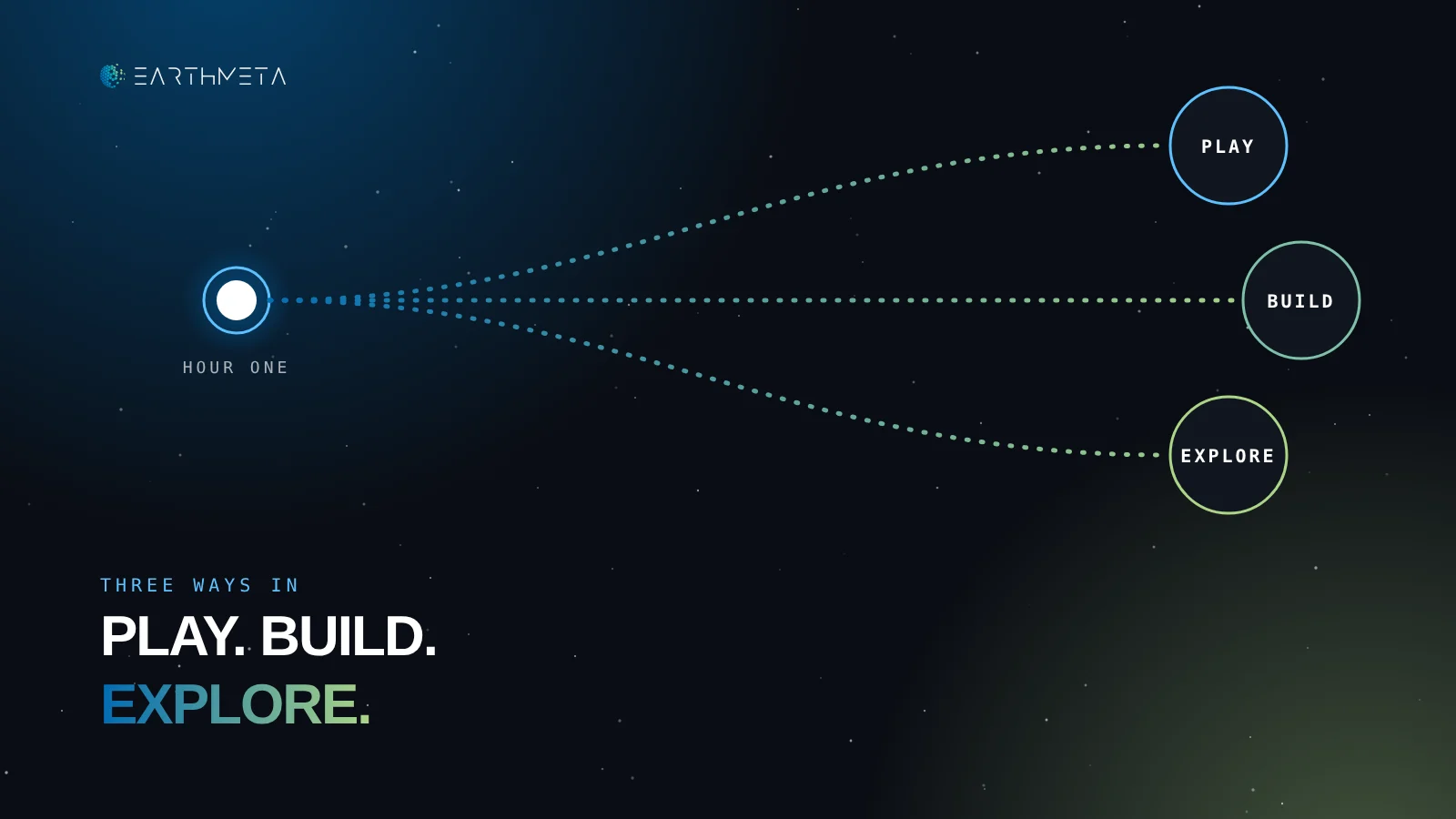
Play, build or explore: pick your path first
Almost every beginner falls into one of three groups, and naming yours makes the choice almost automatic.
Clear rules, friends
Roblox and Fortnite are the fastest routes.
Something that lasts
Minecraft for a group project; EarthMeta to build with AI on a real-world location you can own.
Places and people
EarthMeta's real cities, VRChat's social worlds, Decentraland's events.
Many people are a mix. That is fine: choose the platform that matches the activity you want this week, not the one that promises everything.
A simple first-week plan
A week is enough to know whether a platform deserves a place in your routine. Tick each day as you go.
Seven small steps, one clear decision
Five common beginner mistakes
- Buying hardware first. A headset bought before a platform becomes a habit usually ends up in a drawer.
- Opening six accounts at once. One platform tried properly teaches more than six tried for ten minutes each.
- Skipping the settings. Chat, privacy and spending controls take five minutes and prevent most bad first experiences.
- Spending before having a reason. Purchases make sense once you know what you will do with them.
- Ignoring continuity. Time and creations matter. Prefer platforms with an active roadmap and a clear purpose.
Start with a city you know
Open the digital twin of the planet and take your first tour. No headset, no install.
Frequently asked questions about the best metaverse for beginners
What is the best metaverse platform for beginners?
It depends on the goal. EarthMeta is the best choice for beginners who want real-world cities, AI building and clear digital ownership. Roblox is best for sampling many games, Minecraft for a calm group build and VRChat for social hangouts.
Can I join the metaverse for free?
Yes. EarthMeta, Roblox, Fortnite, VRChat and Decentraland can all be explored for free. Minecraft requires a one-time purchase of the game.
Do I need a VR headset to start?
No. Every platform in this guide works on a regular computer, and most work on phones too. A headset is an optional upgrade for some experiences.
Which metaverse works on a phone?
Roblox and VRChat have full mobile apps, Minecraft Bedrock runs on phones, Decentraland launched an Android app in March 2026, and Fortnite's mobile availability depends on region and store.
Is the metaverse safe for kids?
It depends on the platform and its settings. Roblox requires a facial age check for chat and groups users by age. Parents should review chat, friend and spending settings together with their child before the first session.
Do I need crypto to use EarthMeta?
Exploring the digital twin of the planet does not require owning anything. Ownership of cities, land and buildings is recorded on the blockchain, so acquiring an asset involves a digital wallet.
Can I build in EarthMeta without 3D skills?
Yes. EarthMeta's AI building generation turns a written description into a 3D structure. The owner refines the variants and mints the result on their parcel, with no modeling or coding.
What happened to Rec Room?
Rec Room announced in March 2026 that it would shut down on June 1, 2026, citing a shift in the VR market and broader headwinds in gaming. It is a reminder to choose platforms with a clear future.
How do Governors and Presidents work in EarthMeta?
Every city has a Governor who receives 1% of every trade in that city, and every country has a President who receives 0.5% of every transaction in the whole country. One person can hold both and collect 1.5% on their city. $20,000 traded in a city means $200 tax collected by its Governor.
Start small, start somewhere real
The best metaverse for beginners is the one that makes the second visit easy. That comes from a clear first goal, a device you already own and a world with a reason to come back.
EarthMeta gives beginners the most natural starting point of all: the real planet. A city you know, a parcel you can picture, a building AI can create from a sentence. From there, every next step makes sense.
Pick one platform. Spend one good hour. Then decide what deserves more of your time.
Sources and methodology
Platform facts come from official pages and reporting checked on November 7, 2026. Learning-curve notes are editorial judgments about a first week, not measured scores. Governor and President amounts are examples: the tax collected depends on the trading activity in their city or country.
- EarthMeta, about, AI and marketplace
- Roblox, age checks for chat (Nov 2025)
- Roblox, worldwide age checks for chat (Jan 2026)
- VRChat, mobile release
- Decentraland, Epic Games Store and Android launch (Mar 2026)
- UploadVR, Rec Room to shut down in June (Mar 2026)
- Minecraft, Java & Bedrock Edition for PC